.png)

In most subscription brands, first-cycle cancellations cluster on four days: day 0 (the order is placed), day 7 (the box lands), day 27 (the upcoming-charge reminder goes out) and day 30 (the second charge hits). Every one of those spikes is triggered by a message you send or fail to send, which means every one of them is fixable with better lifecycle email.
If you plot cancellations by days-since-first-order, you do not get a smooth decay curve. You get a mountain range. Flat stretches, then sharp vertical spikes on the same handful of days, month after month, cohort after cohort.
That pattern is the most useful thing a subscription brand can look at, because the spikes line up almost perfectly with moments you control. Nobody cancels on day 14. They cancel when something reminds them they are subscribed. Most of the time, that something is an email with your logo on it.
Here is what happens on each of the four days, why it drives cancellations, and what to send instead.
This spike surprises people. The customer subscribed minutes ago. Why would they cancel today?
Two reasons, and they look identical in your data.
The first is deal hunters. They came for the subscribe-and-save discount, they never intended to receive a second shipment, and cancelling immediately is the plan. Nothing you write is going to change that.
The second is buyer's remorse, and this one is entirely winnable. They committed to a recurring charge, the checkout page closed, and now they are sitting alone with the decision. Doubt creeps in. If the only thing they hear from you is a transactional receipt, doubt wins.
Replace the bare order confirmation with a real post-purchase welcome. It needs to do four jobs:
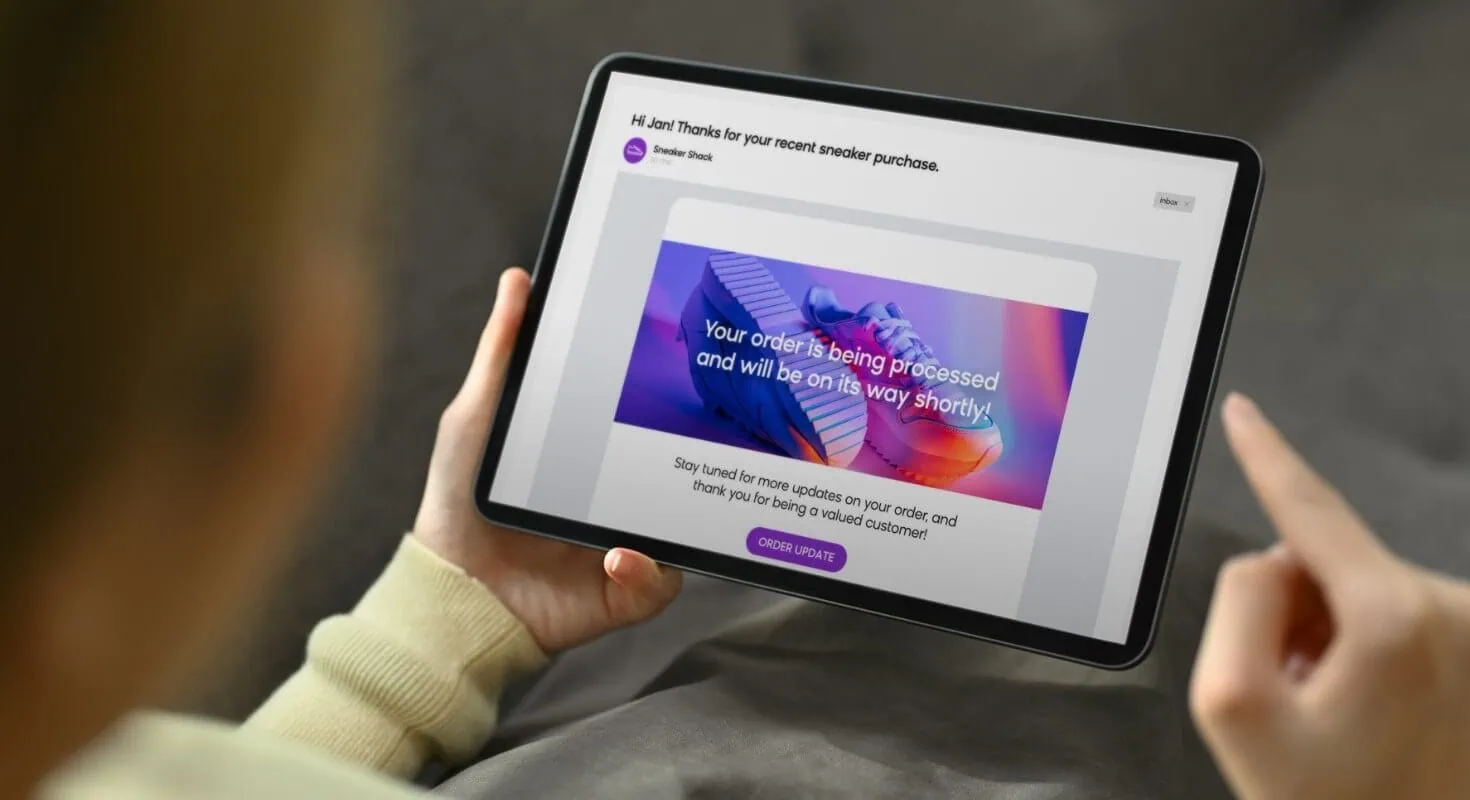
The goal is simple. Do not leave a new subscriber alone with their own second thoughts.
Delivery day is a spike on almost every chart, and it is the one most brands never think to defend.
Delivery is a reminder. The package arrives, the customer remembers they signed up for something recurring, and they reassess. Some of them try the product and it is not what they pictured. Some of them never open the box at all, and an unopened box is a slow-motion cancellation.
A delivery notification that says "your order was delivered" is wasted real estate. It has one of the highest open rates in your entire program and you are spending it on a status update.
Rebuild it as an onboarding email:
Consumption is what kills churn. Someone who uses the product and gets a result does not cancel. Delivery day is the single best moment you have to drive that first use, so treat it like an onboarding moment rather than a logistics update.

Most subscription platforms send a pre-billing notice a few days before the card is charged. In many regions and on many payment rails this notice is required, so the answer is not to switch it off. The answer is to stop letting the default version do the talking.
The default reminder reads like a warning. It leads with the amount, the date and a large "manage your subscription" link. It gives the customer a reason to think about the money and an obvious button to press. Predictably, some of them press it.
It is also usually thin. No mention of what is in the next order, no reason to stay, nothing that makes the charge feel earned.
Reframe the entire message around value received and value coming:
That last point matters. Do not hide it or make cancelling deceptive, because dark patterns invite chargebacks, complaints and regulatory trouble in several markets. Just stop leading with it. Give an easier alternative than cancelling and most people will take it.

This is usually the biggest spike on the chart, and the most underrated.
The customer gets charged, and then their inbox produces an order confirmation that looks exactly like a brand new purchase. Same template as day 0. Same "thanks for your order." No context, no acknowledgement that this is the recurring cycle they agreed to.
For a split second it reads like a duplicate charge. That flash of "wait, did they just bill me twice?" is enough to send someone straight to the cancel page.
First, stop the default from firing. On Shopify, the recurring-charge order confirmation can be suppressed or customised depending on your plan and your subscription app. Some setups let you turn it off through the subscription app itself, others need a change to notification settings, and on Shopify Plus you can ask support about disabling the default confirmation for subscription orders. Check what your specific stack allows before you build.
Then rebuild the email in Klaviyo, or whichever ESP you use, as a warm cycle-two message:
Same charge. Completely different emotional experience.

The four days above are the common pattern, but your chart is your chart. Pull it before you rebuild anything.
The overlay is the part people skip, and it is the part that turns a chart into a to-do list. Where a spike sits directly on top of a send, you have found an email doing damage.
Two things worth watching for. Cancellation date is not always the day the decision was made, since some platforms record it when the subscription actually terminates rather than when the customer clicked. And a first cohort is not a trend, so look at three or four months of data before you commit to a conclusion.
If you only have time to fix a few things, fix them in this order:

Day 30 goes first because it is usually the largest spike and the fix is the most mechanical. Day 0 goes last because part of that spike is deal hunters you were never going to keep.
One more thing: change one email at a time and give each change a full cohort to prove itself. If you rebuild all four in the same week, you will have no idea which one moved the number.
If you want a second set of eyes on your own churn chart, book a call here. We will pull your cancellations by day, overlay them against your current flows, and show you exactly which emails are pushing subscribers out the door and what to send instead.
Most first-cycle cancellations cluster on four days: the day the order is placed, the day the order is delivered (often around day 7), the day the upcoming-charge reminder is sent (often around day 27), and the day the second charge processes (day 30). The exact days shift with your shipping speed and billing cadence, but the pattern of clustering around messages rather than spreading evenly is consistent.
No. In many cases the pre-billing notice is a legal or payment-network requirement, and removing it tends to produce disputes and chargebacks instead of retained subscribers. The fix is to reframe the reminder around the value arriving in the next shipment and to offer skip, delay or swap before cancel.
Delivery reminds them they have a recurring commitment, and a plain delivery notification gives them nothing to weigh against that reminder. If they also have not used the product yet, there is no experienced benefit holding them in. Turning the delivery email into an onboarding email addresses both problems at once.
It depends on your plan and your subscription app. Some subscription apps let you suppress or replace the recurring order confirmation from within the app, others require a change in your Shopify notification settings, and Shopify Plus merchants can ask Shopify support about disabling the default confirmation for subscription orders. Confirm what your setup supports, then rebuild the message in your ESP so subscribers still receive a confirmation, just a better one.
Reducing prominence is fine. Making cancellation hard to find or hard to complete is not, and in several markets it is against consumer protection rules. Keep the cancel path available and functional, move it out of the headline, and put genuinely useful alternatives such as skip, pause and swap in front of it.
Give each change at least one full billing cycle plus a few weeks, and compare cohorts that started after the change against cohorts that started before it. Comparing overall monthly churn will mix old and new subscribers together and hide the effect.
Churn is not a mood. It clusters, and it clusters around specific moments in the first 30 days. Every one of those moments is a message you already send, which means every one of them is a message you can rewrite.
Build custom emails for the first order, the delivery, the billing reminder and the recurring charge. Then pull the chart again in 90 days and watch the mountains flatten.
Book a call and we will start with your day 30.